10 UX Design Portfolios Tips That Got Students Hired After Training
The design industry is evolving faster than ever. Companies today don’t just hire based on resumes, they want proof of creativity, problem-solving, and execution. For UX/UI designers, this proof comes in the form of a portfolio.
Think of your portfolio as your silent recruiter. While you sleep, it’s out there convincing hiring managers that you’re worth interviewing. A strong portfolio can get you into rooms where thousands of other resumes are ignored.
But here’s the challenge: not every portfolio makes the cut. Hiring managers spend only a few minutes, sometimes just seconds scanning portfolios. If yours looks like a collection of random screens or flashy visuals without context, it won’t hold their attention.
So, what does a job-winning UX portfolio look like? Let’s explore 10 powerful examples and strategies all inspired by real-world designers and see how aspiring students can adapt them to build their own career-launching portfolios.
🚀 Future-Proof Your Design Career Starts Here
Your portfolio isn’t just a showcase, it’s the first impression that decides your future. The right projects, storytelling, and design process can open doors to interviews, internships, and full-time roles.
At Kshitij Vivan, we don’t just train you on tools — we help you:
✨ Build real-world projects that recruiters care about.
✨ Craft case studies that highlight your problem-solving.
✨ Design a portfolio that keeps evolving as your skills grow.
🎯 Our commitment: By the time you finish, you won’t just “have a portfolio” — you’ll have a career asset that grows with you and positions you for long-term success in the UX/UI industry.
👉 Start Building Your Future with Kshitij Vivan Today
Now, lets come back to the topic.
1. App Redesign Projects That Solve Real Problems
Recruiters love portfolios that address real-world usability challenges.
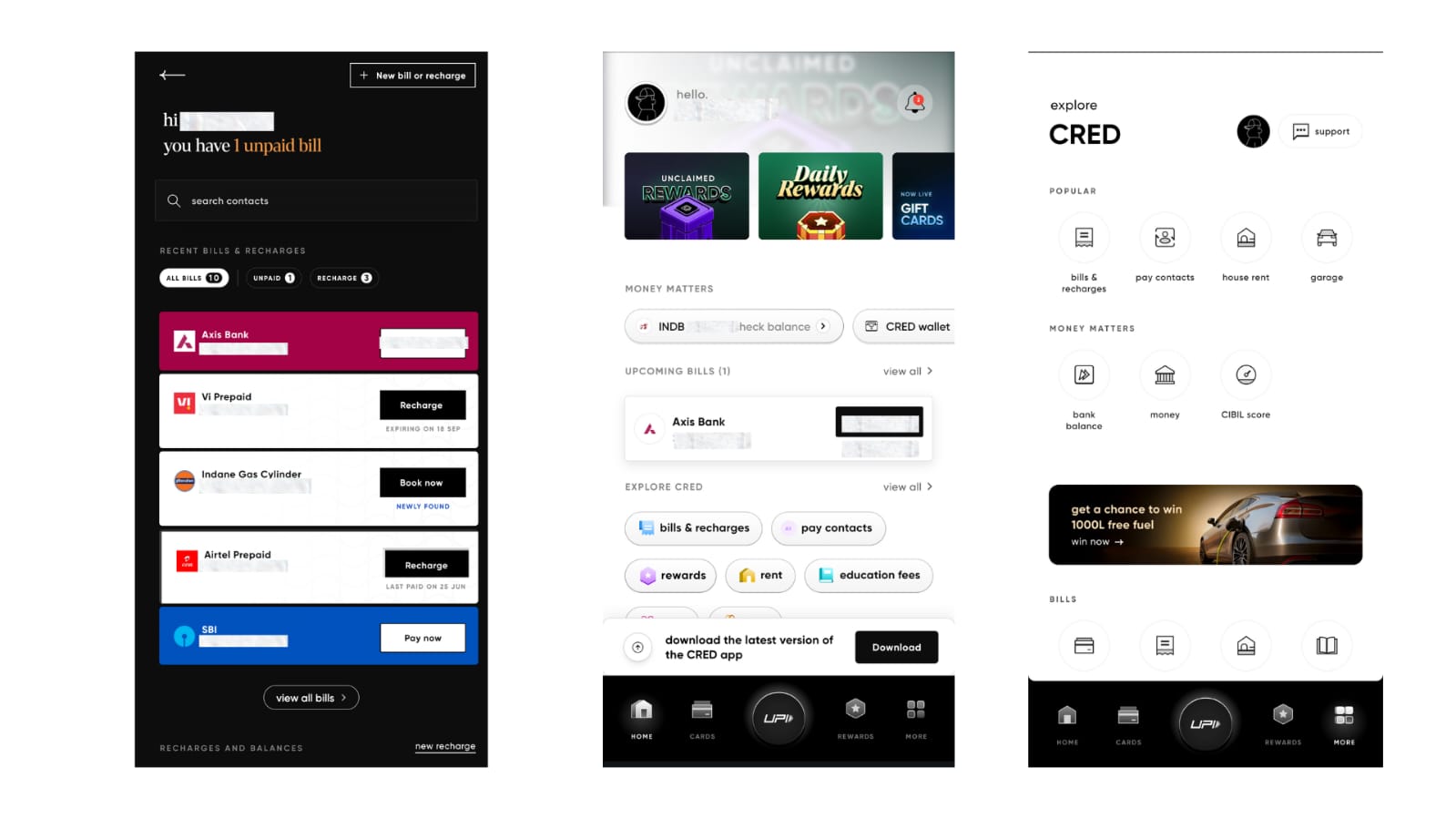
🔹 Example: One designer worked on a Cred app recharge redesign. Instead of tackling the entire app, they focused only on the recharge flow.
-
Pain points identified: Too many steps, cluttered UI, hidden CTAs.
-
Wireframes presented: A streamlined, 3-step flow.
-
Final mockups: A one-click recharge interface with simplified navigation.
👉 Why it worked: Recruiters could immediately see the value. The designer wasn’t chasing aesthetics; they showed how to make a daily-use app faster and more user-friendly.
💡 Student takeaway: Don’t attempt to redesign an entire product. Instead, choose one friction point in a popular app (Swiggy checkout, Zomato search filters, Paytm wallet top-up) and create a before vs. after story.
2. Case Studies With Clear Storytelling
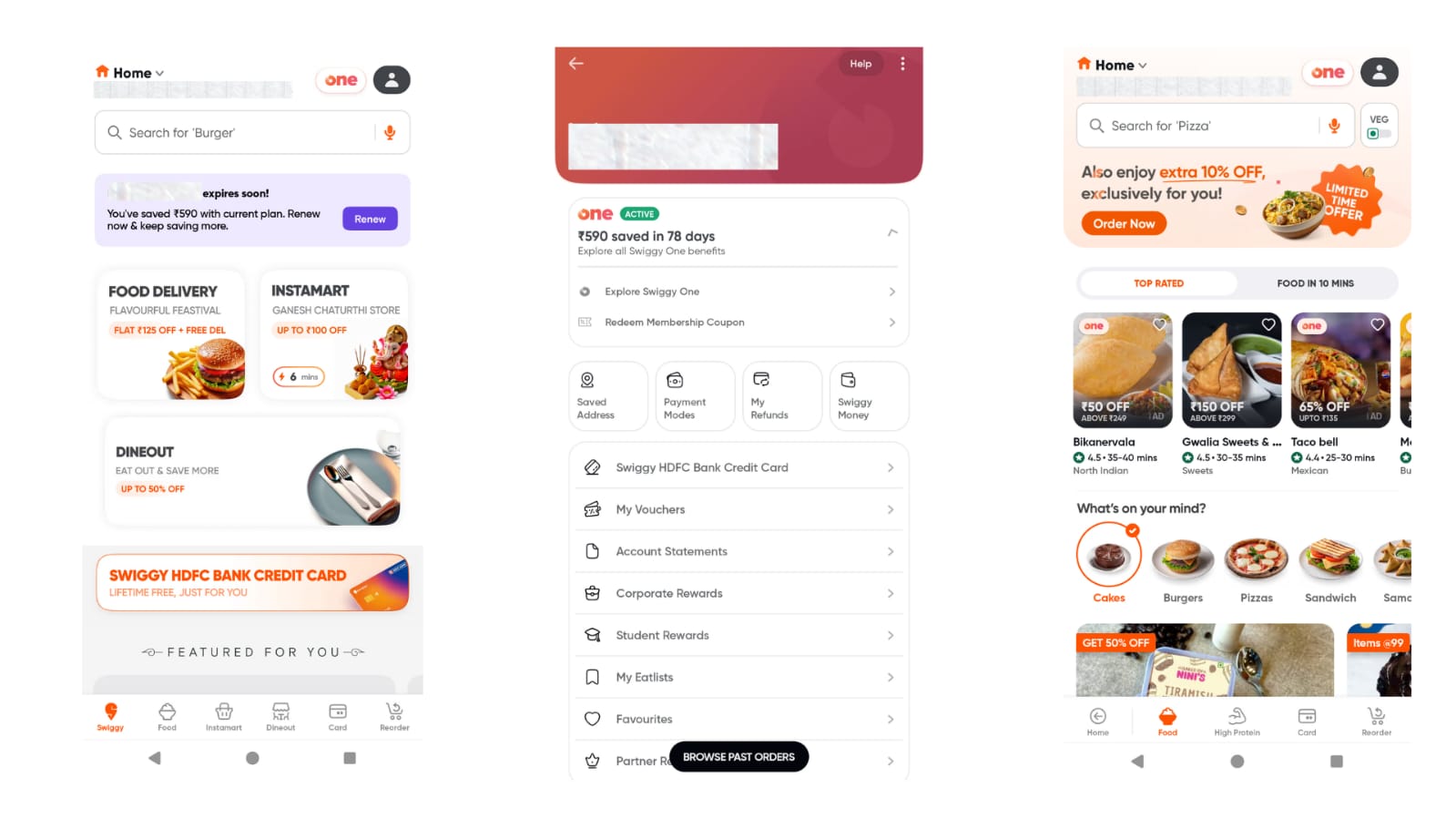
Your portfolio isn’t just art, it's storytelling with purpose.
🔹 Example: A Behance portfolio featuring a food delivery app project stood out not because of visuals but because of its narrative structure.
-
User research: Showed people wanted customizable meal combos.
-
Personas & journey maps: Gave clarity about the target audience.
-
Wireframes: Showed iteration process.
-
Final prototype: Allowed users to custom-build orders with ease.
👉 Why it worked: Recruiters could follow the thought process like a story: Problem → Process → Solution.
💡 Student takeaway: Each project should answer "why". Don’t just upload screens. Explain the background, research, decision-making, and testing.
3. Mobile-First Design Portfolios
With 80% of users accessing the internet via mobile, mobile-first design skills are in demand.
🔹 Example: One designer curated a portfolio dedicated only to mobile apps: meditation app, calorie tracker, and a finance manager.
👉 Why it worked: By specializing, the designer stood out in an industry full of generalists. Recruiters loved seeing niche expertise.
💡 Student takeaway: You don’t need dozens of projects. Even one well-executed mobile app project showcasing responsive layouts, gestures, and accessibility can prove mastery.
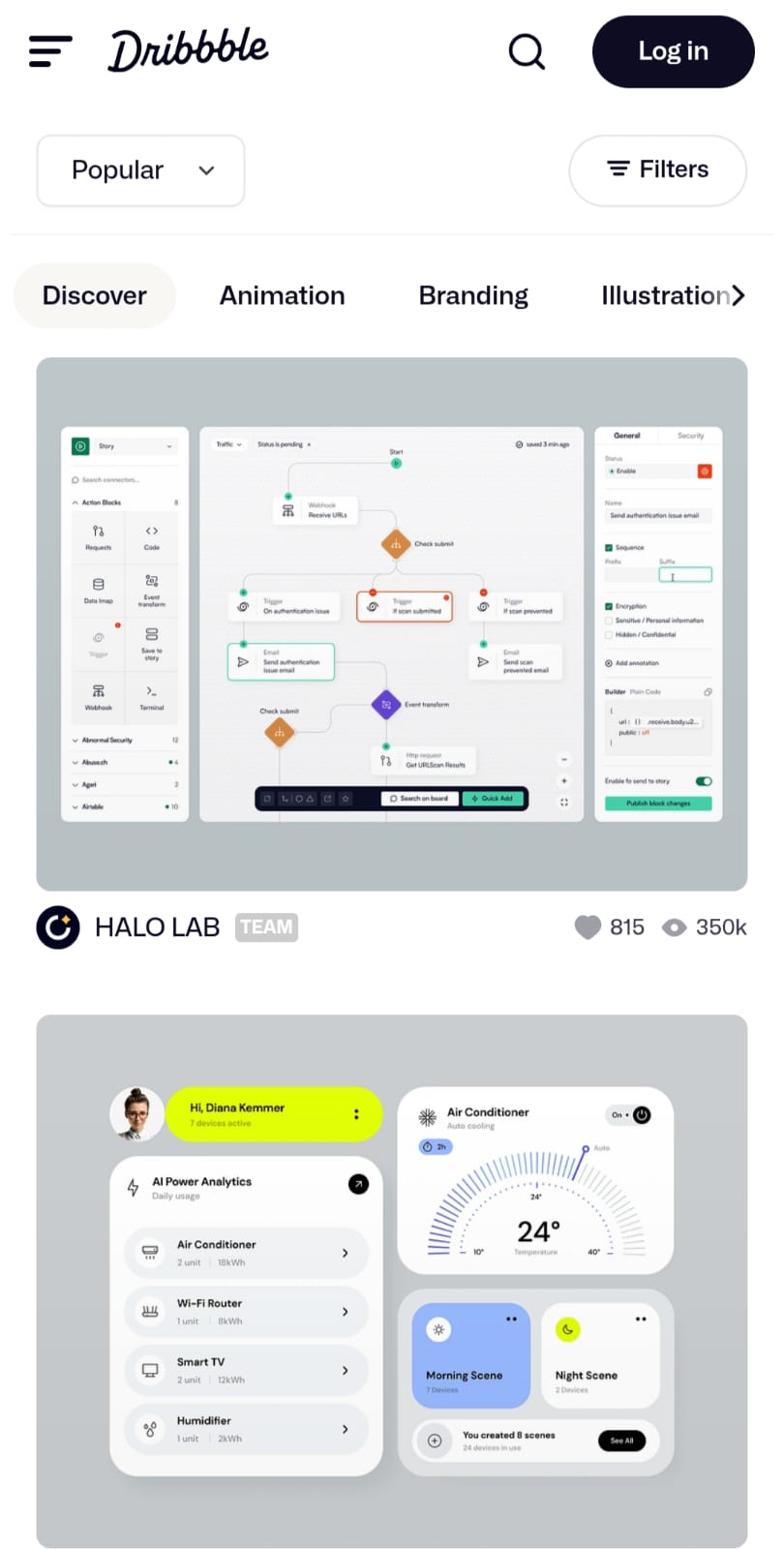
4. Interactive Prototypes in Figma
Static images can’t compete with an interactive prototype.
🔹 Example: A portfolio showcased a shopping app prototype where recruiters could click menus, test buttons, and see animations.
👉 Why it worked: Recruiters experienced the design instead of just viewing it. It felt like a working app.
💡 Student takeaway: Tools like Figma, Adobe XD, or ProtoPie let you create prototypes. Always add a live link in your portfolio, recruiters value projects they can interact with.
5. Accessibility-Focused Design
Accessibility isn’t optional anymore; it’s a core industry expectation.
🔹 Example: A designer redesigned Spotify with accessibility in mind:
-
Larger fonts.
-
High-contrast themes.
-
Voice navigation.
👉 Why it worked: It demonstrated empathy and awareness of global design standards like WCAG.
💡 Student takeaway: Choose any popular app and create an accessibility version. Document how color blindness, screen readers, or font scaling influenced your design choices.
6. Portfolios With Strong Personal Branding
Your portfolio should itself feel like a designed experience.
🔹 Example: A portfolio site featured bold typography, consistent colors, and smooth micro-animations. Recruiters remembered it as a brand, not just a file.
👉 Why it worked: It showed that the designer’s taste and personality reflected in their own presentation.
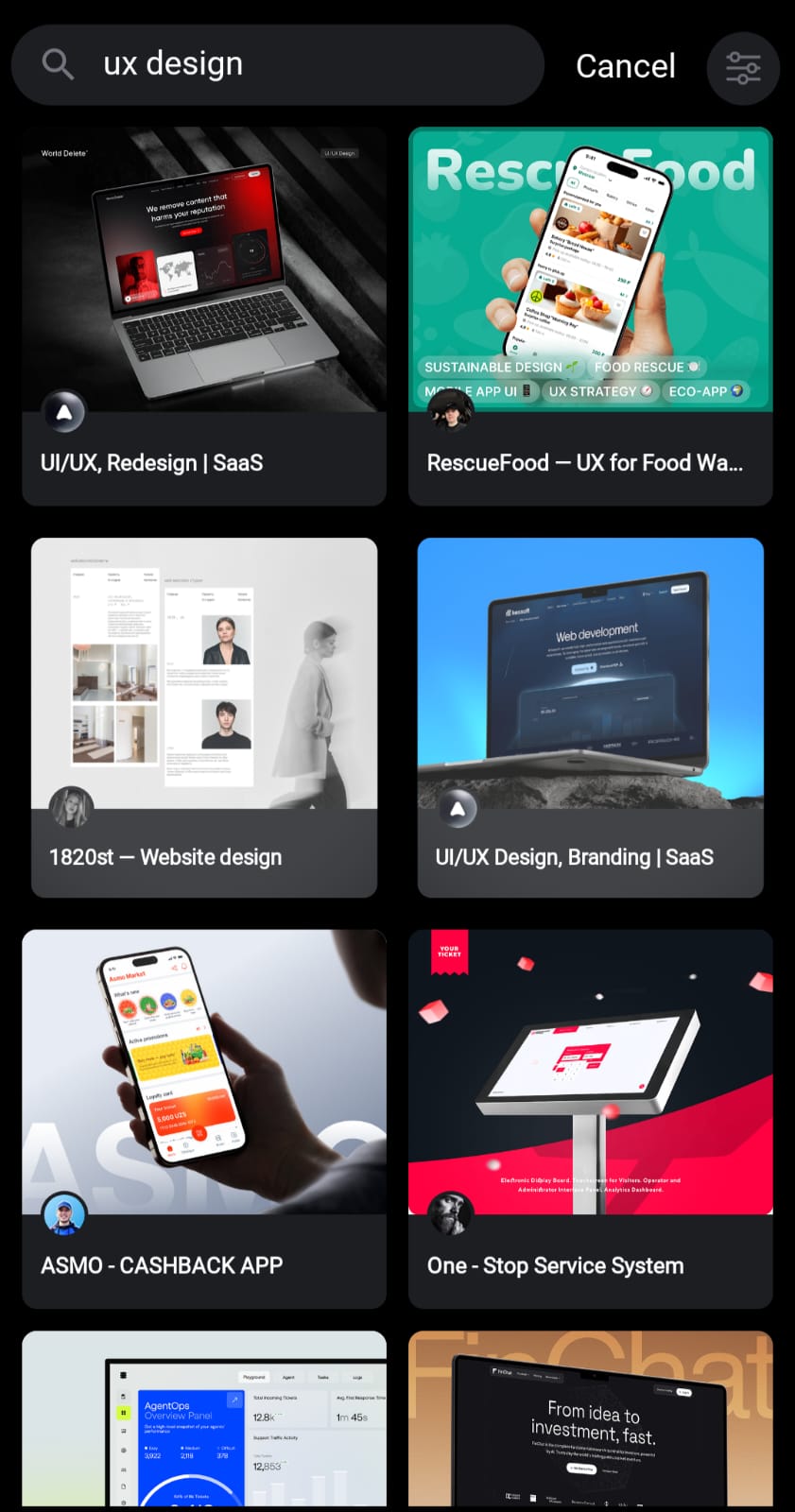
💡 Student takeaway: Don’t treat your portfolio as a storage folder. Treat it like a real UX project. Ask: Is it easy to navigate? Does it reflect my personality?
7. Group & Collaborative Project Portfolios
Design is rarely a solo act. Recruiters want to see you can collaborate.
🔹 Example: A hackathon project for a mental health support app stood out. The portfolio clearly explained:
-
Team roles.
-
Each designer’s contribution.
-
Group brainstorming sketches → wireframes → final prototype.
👉 Why it worked: Recruiters could see team spirit, communication, and flexibility — all vital workplace skills.
💡 Student takeaway: Include college group projects, hackathons, or freelance collaborations. Just clearly state your role to avoid confusion.
8. Research & Testing Driven Portfolios
Portfolios backed by real data show depth.
🔹 Example: A designer conducted a survey with 50+ users before building a learning app. They documented:
-
Pain points gathered.
-
Usability testing rounds.
-
Design iterations made.
👉 Why it worked: Recruiters saw evidence-based design, not guesswork.
💡 Student takeaway: Even small surveys (10-15 responses) or simple usability feedback loops add weight. Always document iterations.
9. Motion & Micro-Interactions
Animation brings interfaces to life.
🔹 Example: A finance app portfolio showcased:
-
Smooth hover states.
-
Button animations.
-
Screen transitions.
👉 Why it worked: It gave a production-ready feel instead of flat screens.
💡 Student takeaway: Use tools like Figma Smart Animate, Principle, or After Effects to bring at least one project alive with motion.
10. Multi-Platform UX Portfolios
The future isn’t just mobile or desktop — it’s multi-device experiences.
🔹 Example: One portfolio showcased three projects:
-
A mobile banking app.
-
A desktop HR dashboard.
-
A smartwatch fitness tracker.
👉 Why it worked: It showed adaptability and ability to think across ecosystems.
💡 Student takeaway: Don’t limit yourself. Build at least two projects across different platforms.
Real Portfolio Examples for Inspiration
Here are some portfolio links you can study:
-
Meng To – Design+Code – Interactive, product-driven showcase.
-
Behance UX Bootcamp Collection – Great case studies for practice.
-
Awwwards UX Portfolios – For strong personal branding inspiration.
How Students Benefit From Portfolios Like These
-
Confidence in Interviews: Walk recruiters through a clear, structured process.
-
Real Industry Appeal: Show problem-solving ability, not just visuals.
-
Career Growth: Keep evolving — portfolios are living documents.
At institutes like Kshitij Vivan, students don’t just learn tools. They’re guided to build job-ready portfolios with:
Real-world case studies.
-
Interactive prototypes.
-
Research-backed storytelling.
-
Polished, industry-standard presentation.
Conclusion
A UX portfolio is not just a collection of screens. It’s your career passport.
The portfolios that got designers hired had three things in common:
✅ Clear problem-solving.
✅ Strong storytelling.
✅ Realistic, practical design thinking.
If you’re serious about making a career in UI/UX design, start building a portfolio that tells your story and shows your process.
👉 At Kshitij Vivan, we specialize in helping students turn classroom projects into career-launching portfolios. Whether you’re just starting or refining your skills, your portfolio will become your strongest job asset.
Start your design journey with Kshitij Vivan's UI UX Design Course today, and build a portfolio that gets you hired.
https://open.spotify.com/episode/5aLJGlMSFSKIyuyxgAExXb?si=J0uBuYinTuullstRursRkw
Latest Blogs