AI Skill Graphic Video Pali
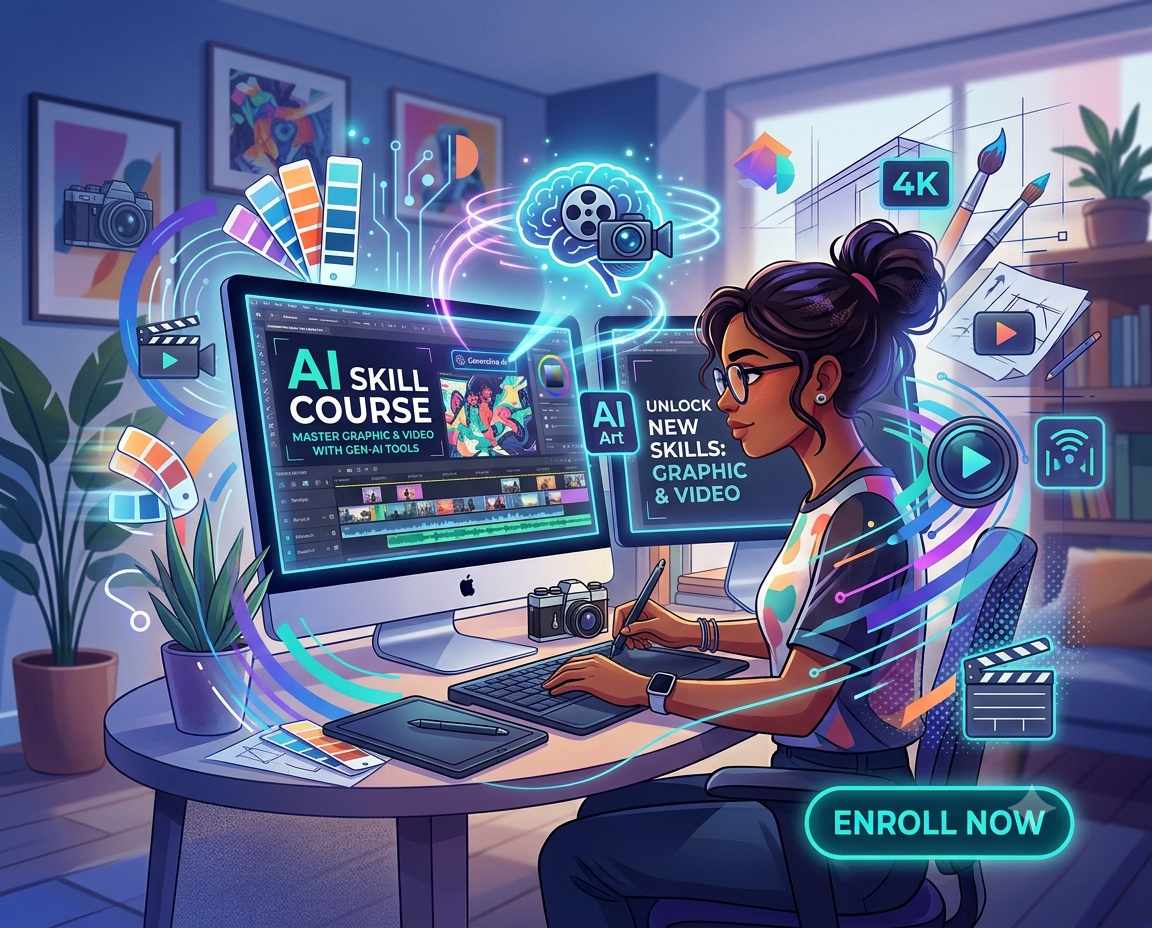
Learn Graphic Design & Video Editing with AI-Powered Creative Skills
The creative industry is changing rapidly with the introduction of Artificial Intelligence. Today, designers and video editors can use AI to generate ideas, speed up repetitive tasks, improve creative workflows and produce professional-quality content more efficiently.
COURSE OVERVIEW
Our AI Skill Course in Graphic Design and Video Editing is designed for students, beginners, working professionals and aspiring creatives who want to develop practical creative skills while learning how AI can support the modern design and video production process.Instead of focusing only on AI tools, the course combines fundamental design and editing skills with AI-assisted workflows, helping learners understand both the creative process and the technology used in today's digital industry.Whether you want to learn graphic design, create social media content, edit videos or develop a strong creative portfolio, this course can help you build practical skills from the fundamentals.
- AI Photoshop
- AI CorelDraw
- AI Indesign
- AI Premier Pro
- AI Audition
- Graphic Designer
- Visual Designer
- Brand Designer
- Social Media Designer
- Advertising Designer
- Creative Designer
What Is an AI Skill Course in Graphic Design & Video Editing?
An AI Skill Course in Graphic Design and Video Editing combines traditional creative skills with modern AI-powered tools and workflows.
In Graphic Design, students learn important concepts such as typography, colour theory, composition, layout, branding, image editing, advertising design and social media design, along with AI-assisted ideation and content creation.
In Video Editing, students learn video editing fundamentals, storytelling, cutting, transitions, audio, colour correction, titles, social media videos and content creation, while also understanding how AI can assist with tasks such as generating ideas, captions, transcription and content workflows.
The objective is not simply to learn AI tools. It is to understand how to use AI effectively while maintaining creativity, design thinking and human decision-making.
What Will You Learn?
1. Graphic Design Skills
The Graphic Design part of the course introduces students to the fundamentals required to create effective visual communication.
You can learn:
- Design principles and visual composition
- Typography and font selection
- Colour theory and colour combinations
- Layout and grid systems
- Logo and branding concepts
- Social media creatives
- Advertising and promotional designs
- Image editing and manipulation
- Digital artwork and visual communication
- Creative presentation techniques
Students can also explore AI-assisted workflows for generating concepts, exploring visual directions, creating references and speeding up repetitive creative tasks.
2. AI-Powered Graphic Design
Artificial Intelligence is becoming an important part of modern creative workflows. During the course, learners can understand how AI can support different stages of the design process.
AI can be used for:
- Creative brainstorming
- Design concept generation
- Visual references and moodboards
- Image generation
- Background and object editing
- Content variations
- Creative experimentation
- Faster design workflows
- Social media content creation
The focus is on using AI as a creative assistant, while the designer remains responsible for the concept, composition, visual quality and final design decisions.
3. Video Editing Skills
The Video Editing module focuses on developing practical editing skills required to create engaging digital content.
Students can learn:
- Video editing fundamentals
- Timeline and editing workflow
- Cutting and trimming
- Storytelling and sequencing
- Pacing and rhythm
- Transitions
- Titles and graphics
- Audio editing
- Colour correction
- Social media video editing
- Short-form video content
- Promotional and creative videos
Students can work on practical projects to understand how individual clips can be transformed into a structured and engaging video.
4. AI-Powered Video Editing
AI is also changing the way video content is produced and edited. Learners can understand how AI-assisted tools can improve productivity during different stages of video production.
Topics may include:
- AI-assisted video ideas
- Script and content ideation
- Automatic transcription
- Caption generation
- Audio enhancement
- Background and object-related workflows
- Content repurposing
- Short-form video creation
- AI-assisted creative workflows
The aim is to help students understand where AI can save time and where creative editing decisions still require human skill.
Why Learn Graphic Design & Video Editing with AI?
Learning only software may not be enough for today's creative environment. Modern designers and editors increasingly need a combination of creative thinking, technical knowledge and AI awareness.
This course helps learners develop skills across both visual design and video content.
You can learn how to:
- Generate and develop creative ideas
- Create professional visual content
- Edit videos for digital platforms
- Work with modern creative workflows
- Use AI to improve productivity
- Build practical projects
- Develop a creative portfolio
- Adapt to changing industry workflows
The combination of Graphic Design and Video Editing can also help learners understand how different forms of digital content work together.
Who Can Join This AI Skill Course?
The course can be suitable for:
- Students after 10th or 12th
- College students
- Beginners interested in creative skills
- Aspiring graphic designers
- Aspiring video editors
- Social media content creators
- Freelancers
- Business owners who want to create their own content
- Working professionals looking to develop creative skills
No advanced AI knowledge is required to start learning. Beginners can begin with the fundamentals and gradually move towards AI-assisted creative workflows.
AI Skill Course After 12th Pali
Students looking for practical creative skills after 12th can consider Graphic Design and Video Editing as areas to explore.
Instead of spending all their time learning theory, students can develop skills through design exercises, editing assignments and practical creative projects.
Learning AI alongside these creative skills can also help students become familiar with the technology influencing modern digital content production.
Build a Practical Creative Portfolio
A portfolio is an important part of developing creative skills because it allows learners to demonstrate what they can actually create.
During the learning process, students can work on projects such as:
- Logo and branding designs
- Social media creatives
- Posters and advertisements
- Digital graphics
- Promotional videos
- Short-form social media videos
- Edited video projects
- AI-assisted creative projects
A collection of practical projects can help learners showcase their creative thinking, design skills and editing abilities.
Online, Offline & Hybrid Learning Options
Choose a learning format according to your requirements.
Offline Learning: Learn through classroom-based practical training and direct interaction.
Online Learning: Develop your Graphic Design and Video Editing skills through online classes.
Hybrid Learning: Combine online learning with classroom training according to your requirements.
The goal is to provide flexible learning options for students and learners with different schedules.
Why Choose an AI Skill Course?
AI is becoming a part of many creative workflows, but strong fundamentals remain important. A good creative professional should understand design, storytelling, editing and visual communication, rather than depending entirely on automated outputs.
That is why this course combines:
Creative Fundamentals + Practical Projects + Software Skills + AI-Assisted Workflows
This approach helps learners understand not only what AI can create, but also how to use AI effectively within a professional creative workflow.
Frequently Asked Questions Pali
What is an AI Skill Course in Graphic Design and Video Editing?
It is a practical course that combines Graphic Design and Video Editing fundamentals with modern AI-assisted creative workflows and tools.
Can beginners join an AI Graphic Design and Video Editing course?
Yes. Beginners can start with fundamental design and editing concepts before progressing towards AI-assisted workflows.
Is this course suitable after 12th?
Yes. Students after 12th who are interested in creative and digital content can explore Graphic Design and Video Editing as practical skill areas.
What can I learn in Graphic Design?
You can learn typography, colour, composition, branding, layouts, image editing, advertising design, social media design and AI-assisted creative workflows.
What can I learn in Video Editing?
You can learn editing fundamentals, storytelling, cutting, transitions, audio, colour correction, titles, social media videos and AI-assisted video workflows.
Can I learn the course online?
Yes, online, offline and hybrid learning options can be available depending on the course structure and batch.
Do I need previous AI knowledge?
No. The course can start from the basics and gradually introduce AI-powered creative workflows.
Start Building Your Creative Skills with AI
If you want to learn Graphic Design and Video Editing while understanding how AI can improve modern creative workflows, an AI Skill Course can be a practical way to develop these skills.
Build your fundamentals, practice through real creative projects, explore AI-assisted workflows and create a portfolio that demonstrates your abilities.
Explore the AI Skill Course in Graphic Design & Video Editing and take the next step toward developing modern creative skills.
Inquiry Form


