AI UI/UX Design Course Bayad
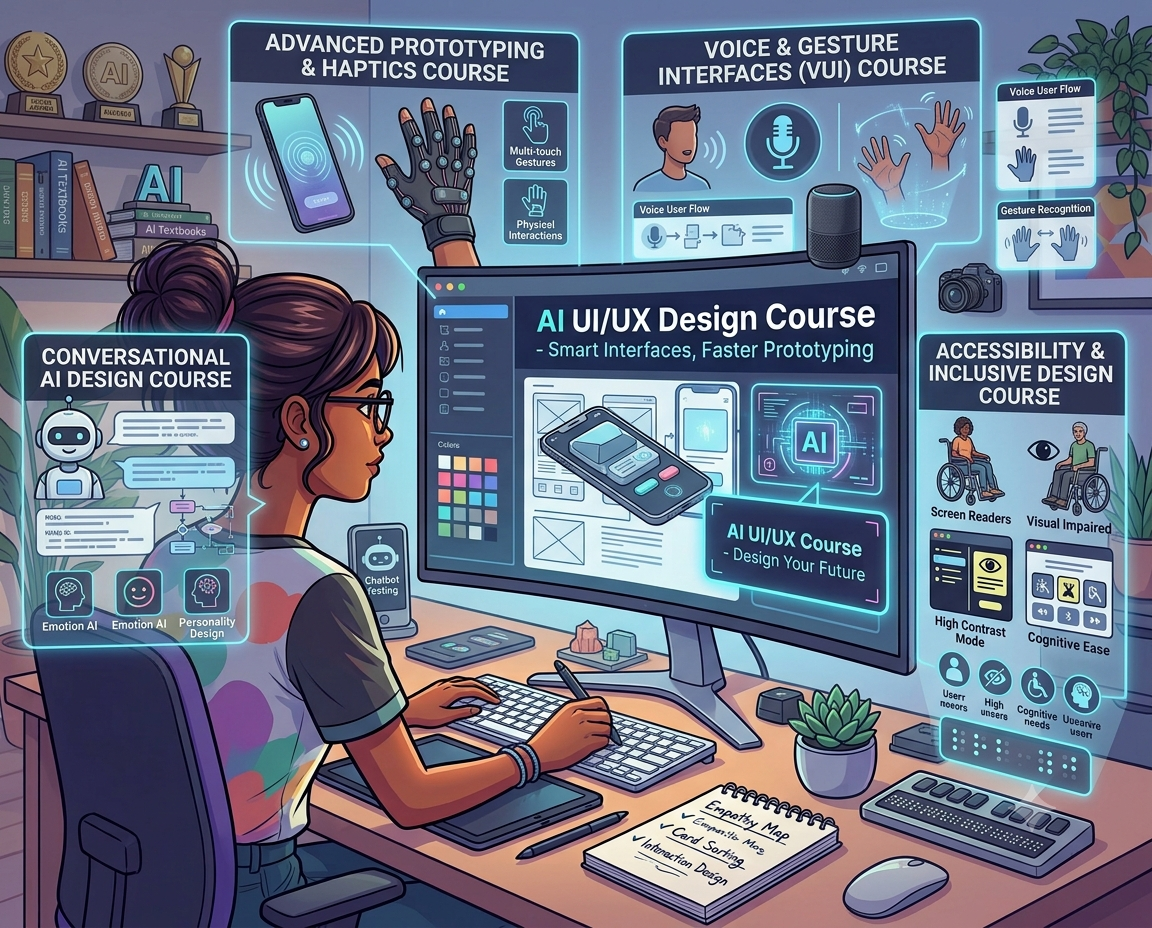
AI UI UX Design Course
Duration : 11 Month
Hybrid Fees : Rs 100000/-
Offline : Rs 150000/-
Laptop Complusary
COURSE OVERVIEW
The AI UI/UX Design Course at Kshitij Vivan focuses primarily on UI/UX design, visual design, user experience and practical interface design, while introducing AI as a supporting tool in the modern design workflow. The course is designed for students, beginners, graduates, aspiring UI/UX designers, graphic designers and professionals who want to develop practical skills in UI design, UX design, visual communication, prototyping, design systems and AI-assisted design workflows.Whether you are searching for an AI UI/UX Design Course, UI/UX Design Course with AI, UI/UX Course after 12th, UI/UX Design Course for beginners or an online UI/UX Design Course, the focus should be on developing actual design ability and a strong portfolio.
- AI Photoshop
- AI CorelDraw
- AI Indesign
- AI Premier Pro
- AI Audition
- AI After Effects
- Figma
- Adobe Fire Fly
- AI Tools
- UI Designer
- UX Designer
- UI/UX Designer
- Product Designer
- Interaction Designer
- Visual Designer
What Is an AI UI/UX Design Course Bayad?
An AI UI/UX Design Course combines the principles of User Experience Design, User Interface Design and modern AI-assisted workflows.
The primary focus is on understanding how people interact with digital products and designing interfaces that are functional, visually appealing and easy to use.
Students learn to think about:
- Who is the user?
- What problem are they trying to solve?
- What information do they need?
- How should the information be organised?
- What should the user do next?
- How can the interface make that action easier?
- How should the interface look and feel?
- How can the overall experience be improved?
AI can then support parts of the creative and design process.
The goal is therefore:
UX Thinking + UI Design + Visual Design + Prototyping + AI Skills
Why Learn UI/UX Design with AI?
UI/UX design is a creative and problem-solving discipline.
Designers need to understand users and make informed design decisions. AI can help accelerate certain parts of the process, but the designer remains responsible for the overall experience.
AI can assist with:
- Design brainstorming
- User research organisation
- Content ideas
- User-flow exploration
- Wireframe ideation
- Interface variations
- Design inspiration
- UX documentation
- Microcopy suggestions
- Repetitive design tasks
The important skill is knowing when AI is useful and when human design judgement is required.
That is why the course places greater emphasis on UI/UX and visual design fundamentals rather than simply teaching a collection of AI tools.
AI UI/UX Design Course Syllabus
Module 1: Introduction to UI/UX Design
Students begin by understanding the difference between UI and UX and how both disciplines work together.
Topics include:
- What is UI design?
- What is UX design?
- UI vs UX
- User-centred design
- Design thinking
- Digital product design
- Understanding users
- Identifying user problems
- Understanding design requirements
- Introduction to the UX process
The objective is to build a strong foundation before moving into interface design.
Module 2: User Research and UX Thinking
Good design starts with understanding the user.
Students can learn the fundamentals of:
- User research
- User interviews
- Surveys
- User needs
- Pain points
- Personas
- User scenarios
- User journeys
- Problem statements
- Competitor analysis
- Design objectives
This helps students understand why a particular interface should be designed in a particular way.
Module 3: Information Architecture
Before designing beautiful screens, information needs to be organised properly.
Students can explore:
- Information architecture
- Content organisation
- Navigation
- Website structure
- App structure
- Categories
- Menus
- User flows
- Task flows
- Sitemap creation
A well-organised product helps users find information and complete tasks more easily.
Module 4: Wireframing
Wireframes provide the structural foundation of a digital interface.
Students learn how to create:
- Low-fidelity wireframes
- High-fidelity wireframes
- Website wireframes
- Mobile application wireframes
- Landing-page structures
- Dashboard structures
- User flows
- Navigation structures
The focus is on solving usability and structural problems before spending time on visual styling.
Module 5: UI Design
UI design is a major part of the course.
Students learn how to transform wireframes into visually engaging digital interfaces.
Topics include:
- User interface design
- Website UI
- Mobile app UI
- Landing-page design
- Dashboard design
- E-commerce interfaces
- Forms
- Navigation components
- Cards
- Buttons
- Input fields
- Modals
- Notifications
- Interface states
Students also learn how different components work together to create a consistent interface.
Module 6: Visual Design for UI/UX
A strong UI/UX designer needs strong visual-design knowledge.
This is where the course places significant emphasis on design.
Students can learn:
Colour
- Colour theory
- Colour psychology
- Colour combinations
- Contrast
- Accessibility considerations
- Brand colours
- Light and dark interfaces
Typography
- Typography fundamentals
- Font selection
- Font pairing
- Hierarchy
- Readability
- Line spacing
- Text styles
Layout
- Grids
- Alignment
- Spacing
- Margins
- Padding
- Visual hierarchy
- Balance
- Consistency
Composition
- Visual hierarchy
- White space
- Proportion
- Emphasis
- Rhythm
- Visual balance
The objective is to help students understand why an interface looks good, rather than simply copying existing designs.
Module 7: Design Systems
Professional digital products require consistency.
Students can learn the fundamentals of creating design systems including:
- Colour systems
- Typography systems
- Spacing systems
- Buttons
- Forms
- Cards
- Navigation
- Components
- Component states
- Reusable styles
- UI consistency
Design systems help designers create interfaces that are scalable and easier to maintain.
Module 8: Figma for UI/UX Design
Figma is an important part of modern interface-design workflows.
Students can learn:
- Figma interface
- Frames
- Layers
- Components
- Auto layout
- Styles
- Grids
- Prototyping
- Interactive elements
- Design systems
- Responsive layouts
- Collaboration
The focus should be on using Figma as a design tool, rather than simply learning its features.
Module 9: Responsive Web Design
Digital products need to work across different screen sizes.
Students can understand:
- Desktop interfaces
- Tablet interfaces
- Mobile interfaces
- Responsive layouts
- Breakpoints
- Flexible components
- Mobile-first thinking
- Responsive navigation
This helps students design interfaces that provide a consistent experience across devices.
Module 10: Mobile App UI/UX Design
Students can work on mobile application experiences and learn:
- Mobile navigation
- App structure
- Onboarding
- Login and registration
- Home screens
- Search
- Product pages
- Profile screens
- Notifications
- Forms
- Mobile interactions
The focus remains on both usability and visual quality.
Module 11: Prototyping and Interaction Design
A static design does not fully demonstrate how a digital product works.
Students can learn to create interactive prototypes using:
- Screen transitions
- Buttons
- Navigation
- Overlays
- Interactive components
- Micro-interactions
- User flows
- Prototype testing
Prototypes help designers communicate how a website or application should behave before development begins.
Module 12: Usability Testing
Design should be tested, not simply assumed to be correct.
Students can understand the basics of:
- Usability testing
- Identifying usability problems
- Gathering feedback
- Observing user behaviour
- Improving navigation
- Testing user flows
- Iterating designs
This creates a more user-centred approach to UI/UX design.
Module 13: AI for UI/UX Design
After building strong UI/UX fundamentals, students can explore how AI can support the design process.
AI-assisted workflows may be used for:
- Design ideation
- Research assistance
- User-flow exploration
- Content generation
- Interface concepts
- Wireframe ideas
- Design variations
- UX documentation
- Design-system assistance
- Repetitive workflow support
The emphasis is on using AI responsibly as a design assistant, rather than allowing AI to make every design decision.
Module 14: Real-World UI/UX Projects
Practical projects are essential for learning UI/UX.
Students can work on projects such as:
Website Design Project
Research → Sitemap → User Flow → Wireframes → UI Design → Prototype
Mobile Application Project
User Problem → Research → Persona → User Flow → Wireframe → UI → Prototype → Testing
E-Commerce Project
Product Discovery → Navigation → Product Page → Cart → Checkout → User Experience
Dashboard Project
Information Architecture → Data Organisation → Components → Visual Hierarchy → Responsive UI
Projects help students demonstrate their ability to solve design problems rather than simply create attractive screens.
UI/UX Portfolio Development
For someone looking for a UI/UX career, a portfolio is extremely important.
A portfolio should not only show final screens.
It should demonstrate the design process.
A strong case study can include:
- Problem statement
- Research
- User persona
- User journey
- Information architecture
- User flow
- Wireframes
- Visual direction
- UI design
- Design system
- Prototype
- Testing
- Improvements
- Final solution
This allows employers or clients to understand how you think as a designer.
Who Can Join an AI UI/UX Design Course Bayad?
The course can be suitable for:
- Students after 10th or 12th
- College students
- Graduates
- Beginners
- Graphic designers
- Web designers
- Creative professionals
- Aspiring UI designers
- Aspiring UX designers
- Freelancers
- Professionals changing careers
You do not need to be an expert programmer to begin learning UI/UX design.
The focus is primarily on design, user experience, visual communication and digital-product thinking.
AI UI/UX Design Course After 12th Bayad
Students who have completed 12th can explore UI/UX as a career path if they are interested in creativity, technology and problem-solving.
UI/UX can be particularly interesting for students who enjoy:
- Designing websites
- Designing mobile apps
- Drawing layouts
- Understanding users
- Solving problems
- Working with typography and colour
- Creating visual interfaces
- Technology and digital products
A student does not need to become a programmer to begin a UI/UX career.
However, understanding basic web and technology concepts can be useful when working with developers.
Career Opportunities After UI/UX Design
After developing strong UI/UX and visual-design skills, learners can explore roles such as:
- UI Designer
- UX Designer
- UI/UX Designer
- Product Designer
- Interaction Designer
- Visual Designer
- UX Research Assistant
- Junior Product Designer
- Web Designer
- Mobile App Designer
Career outcomes depend on portfolio quality, practical skills, experience, communication and individual employer requirements.
Is UI/UX Design a Good Career?
UI/UX can be a suitable career direction for people who enjoy both design and problem-solving.
Unlike purely decorative design, UI/UX requires designers to think about how people interact with products.
A successful designer needs to combine:
Research + UX Thinking + Visual Design + Usability + Technology Awareness
Adding AI-assisted workflows can further improve productivity and help designers adapt to modern creative processes.
AI UI/UX Course Fees
The fees for an AI UI/UX Design Course can vary depending on:
- Course duration
- Curriculum
- Design training
- Software training
- AI modules
- Practical projects
- Portfolio development
- Trainer support
- Learning mode
- Career guidance
When comparing UI/UX course fees, students should not look only at the price.
They should compare the depth of design education, practical projects, portfolio development and overall curriculum.
For current fees, batch timings, duration and admission details, students should contact Kshitij Vivan.
Online, Offline and Hybrid UI/UX Design Course
Students can have different learning preferences.
Depending on current batch availability, UI/UX training may be available through:
Offline Learning
Classroom learning provides direct interaction with trainers and opportunities for practical feedback.
Online Learning
Online learning can provide flexibility for students who prefer learning remotely.
Hybrid Learning
Hybrid learning combines online and classroom learning for students looking for greater flexibility.
Students should confirm the current availability, schedule and course format before admission.
Why Choose Kshitij Vivan for UI/UX Design?
Kshitij Vivan has an established focus on creative education, with training areas including Graphic Design, Animation, VFX, UI/UX and Video Editing.
The institute's existing positioning around practical learning, creative projects and portfolio development provides a foundation for a design-focused UI/UX program.
For students comparing UI/UX institutes, important factors include:
- Depth of UI/UX curriculum
- Design fundamentals
- UX process
- Visual design
- Figma training
- Practical projects
- Portfolio development
- Trainer guidance
- Learning mode
- Career guidance
- Curriculum updates
The objective should be to develop a designer's mindset, not simply learn a software application.
Frequently Asked Questions
What is an AI UI/UX Design Course Bayad?
An AI UI/UX Design Course teaches user experience, interface design, visual design, wireframing, prototyping and design systems while introducing AI-assisted workflows that can support the modern design process.
Is this course mainly about AI Bayad?
No. The primary focus is UI/UX and visual design. AI is introduced as a supporting tool to assist designers with ideation, research, content and workflow efficiency.
Can beginners learn UI/UX Design?
Yes. Beginners can start with design fundamentals and gradually learn UX processes, wireframing, visual design, Figma and prototyping.
Can I learn UI/UX after 12th?
Yes. Students who have completed 12th can explore UI/UX design as a potential career direction.
Do I need coding knowledge for UI/UX?
Programming is not the primary focus of UI/UX design. Designers focus on user experience, interface design and prototypes. Basic knowledge of technology and web development can nevertheless be useful when collaborating with developers.
What software is used for UI/UX design?
UI/UX designers use tools for research, wireframing, interface design and prototyping. Figma is one of the commonly used tools for modern UI/UX workflows.
Is UI/UX more about design or coding?
UI/UX is primarily a design and problem-solving discipline. UI focuses heavily on visual and interface design, while UX focuses on user needs, structure, flows and usability.
What should a UI/UX portfolio contain?
A strong portfolio can contain complete case studies showing research, user flows, wireframes, visual design, prototypes, testing and the final solution.
Can AI replace UI/UX designers?
AI can automate or assist with certain tasks, but strong UI/UX still requires understanding users, solving problems, making design decisions and evaluating usability.
Is UI/UX a good career for graphic designers?
Yes. Graphic designers already have experience with visual communication, typography, colour and composition. Learning UX processes, user research, wireframing and interaction design can help expand those skills into UI/UX.
Build Your Career in UI/UX Design with AI
The future of UI/UX design is not about choosing between design and Artificial Intelligence.
It is about becoming a designer who understands people, design, technology and modern AI-assisted workflows.
If you want to design websites, mobile applications and digital products, focus on developing strong fundamentals in UX thinking, visual design, UI design, wireframing, prototyping and design systems.
The AI UI/UX Design Course at Kshitij Vivan is designed to help students develop these creative and practical skills while understanding how AI can support the modern design process.
Get the latest syllabus, fees, course duration, batch timings and learning-mode details and start building your UI/UX design portfolio.
Inquiry Form


